
Article
Offline Habit Tracker vs Cloud Habit Tracker: Which One Is Right for You?
Offline and cloud habit trackers work very differently. Here's how to choose based on your privacy needs, devices, and daily routine.
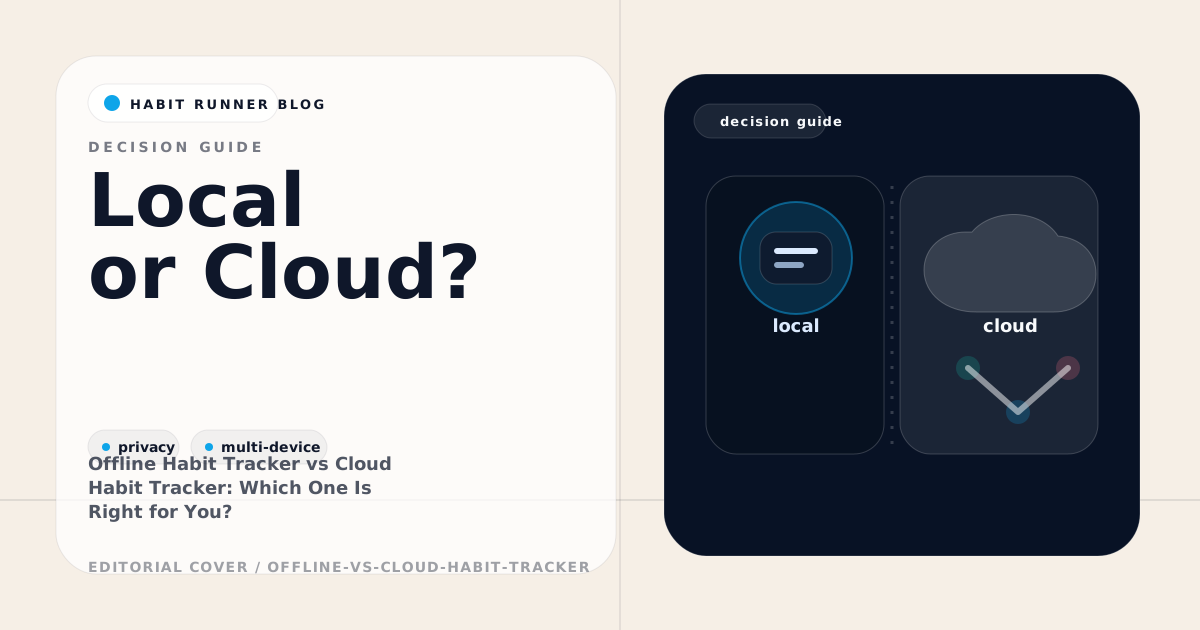
Most habit tracker apps fall into one of two categories: those that store your data on a server and those that store it on your device. This distinction affects privacy, reliability, and how the app behaves when you're not connected.
Neither model is universally better. The right choice depends on how you use your phone, how much you value privacy, and whether you track habits on multiple devices.
How Cloud Habit Trackers Work
Cloud-first habit apps upload your data to a server whenever you check in. The app typically requires an account to function. Your habits, streaks, and history live in a database managed by the company.
Advantages:
- Sync across multiple devices is automatic and seamless
- You can access your history from any browser
- Data persists even if you lose your phone
Disadvantages:
- The app stops working or degrades without internet access
- Your data leaves your device by default
- If the service shuts down, your history may disappear
- Subscription fees are common
Cloud trackers work well for people who use multiple devices regularly and aren't particularly concerned about where their data lives.
How Offline Habit Trackers Work
Local-only apps write to device storage. Their data is readable and writable without a network connection; cloud sync, if it exists, is a secondary operation.
Advantages:
- Full functionality without internet
- Data stays on your device by default
- Works in low-connectivity environments (commutes, travel, rural areas)
- No server dependency for core functionality
Disadvantages:
- Multi-device sync can be more complex
- Some offline apps don't sync at all
- Backup is your responsibility if the app doesn't offer it
For anyone who commutes, travels frequently, or just wants reliability, local-only storage removes a recurring network dependency.
The Sync Question
The main limitation of pure offline apps is that they don't move your data between devices. If you track habits on your phone in the morning and want to check stats on your laptop at lunch, a local-only app won't help.
Some products keep changes on one device; others, such as Habit Runner, keep progress with an account.
Habit Runner uses an account-based model. Account data is saved when connected, and refresh shows the latest progress. If two sessions change the same item, the app asks you to review it.
Privacy: Where the Real Difference Lies
Every time a cloud app syncs your data, it goes to a server. This is often necessary, but it's a data exposure surface. What habits you track, how often you succeed or fail, your daily routine patterns — this is more personal than most people realize.
With a device-first app, this data may never leave your device unless you opt into sync. That can be a meaningful privacy difference for users who track sensitive routines.
Which Model Fits Your Situation
Choose local-only if:
- You frequently use apps in low-connectivity situations
- You value data privacy and want control over your information
- You use a single primary device
- You've been burned by cloud apps shutting down or changing pricing
Choose cloud-first if:
- You actively switch between multiple devices throughout the day
- Seamless sync without setup is more important than offline reliability
- You don't have concerns about data storage practices
Choose both (offline + sync) if:
- You want the reliability of local storage with the convenience of cross-device access
- You're willing to use an account for sync but don't want to depend on it for the app to work
Frequently Asked Questions
Can an offline habit tracker sync to multiple devices?
Yes, if the app supports account sync. Habit Runner refreshes account data when you're connected. Read more about habit tracking →
Is offline storage safer than cloud storage?
Data stored locally is only accessible on your device. Cloud storage involves transmission and server-side storage, which introduces additional risk if the provider has a security incident.
What happens to my habit data if an offline app gets deleted?
If you uninstall an app that uses local storage, the data is typically removed with it. Apps that offer export options (CSV, JSON) let you back up your history before uninstalling.
Do I need to create an account to use an offline habit tracker?
Not always. Apps like Loop Habit Tracker require no account. Habit Runner requires sign-in for habit data and streaks.
Habit Runner keeps signed-in habit data available across supported devices and provides an installable web experience. Try it free →
Ready to try one small change? Open Habit Runner