Article
Device-First Apps: Why Your Data Belongs on Your Device
Device-first software stores your data on your device by default. Here's why that matters, how it works, and which apps use this approach for productivity and habit tracking.
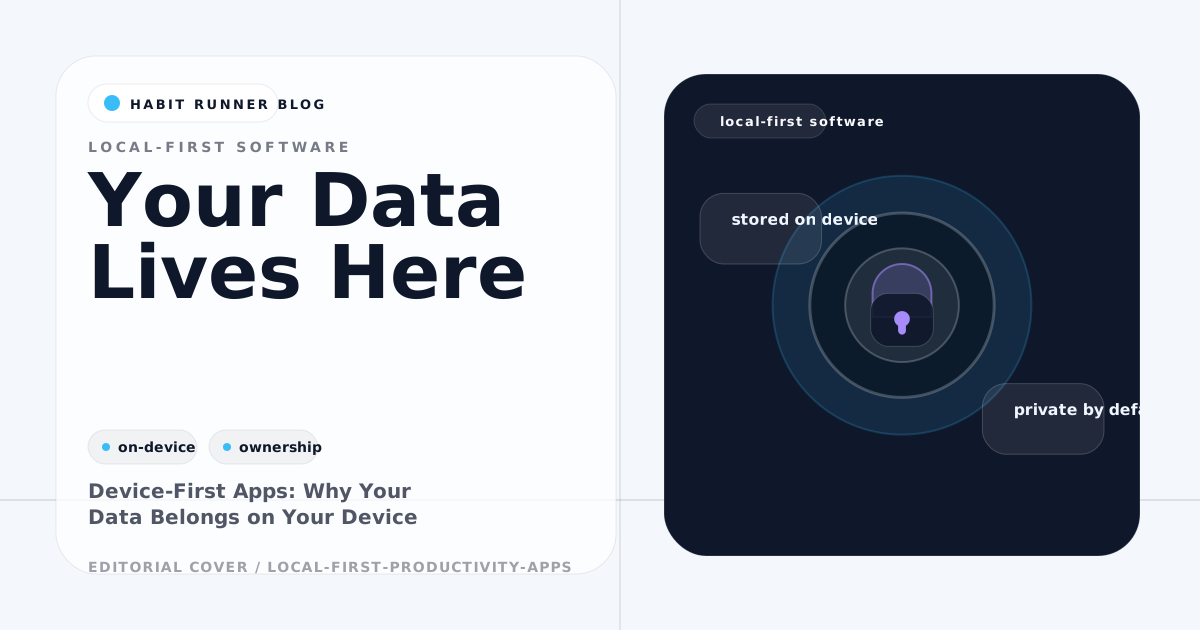
Most software today is account-based: your data lives on a server. You access it through an app or browser, but you don't really own it in any meaningful sense.
Device-first software inverts this. Your data lives on your device. The account access is optional — a way to sync between devices, not the primary home for your information.
This distinction has practical implications for reliability, privacy, and long-term data ownership.
What Device-First Means in Practice
A device-first app:
- Stores data on your device immediately when you make changes
- Keeps core screens usable with a clear connection status
- Treats sync as a secondary, optional capability
- Lets you access and export your data without depending on a company's service
Cloud-first apps work in reverse. Data is stored on the server, fetched when you need it, and the app often fails or loses functionality without a connection.
The difference isn't technical obscurity. It affects whether you can use the app on a plane, whether your data survives a company shutdown, and whether your habits are visible to anyone besides you.
The Reliability Argument
Cloud apps go down. Services have outages. Companies get acquired or shut down. In all of these cases, an account-based app can become unavailable.
Device-first apps have no such single point of failure. The data is on your device. The app functions whether or not the company's servers are online. This is a meaningful reliability difference for tools you use daily.
For habit tracking specifically, an app that fails during your morning routine is worse than useless — it breaks the behavior you're trying to build.
The Privacy Argument
Every time data goes to a server, it's potentially visible to the company, their employees, their security posture, and any breach that might occur.
Habit data is more sensitive than it appears. Whether you took your medication, how consistent your exercise has been, your sleep patterns, your work habits — this is personal information. With a device-first app, it stays on your device by default.
Some device-first apps offer optional sync, which moves data to a server by choice. That's a reasonable model: the data is local unless you opt into sharing it.
Device-First Productivity Apps Worth Knowing
Obsidian (Notes — Desktop/Mobile)
Obsidian stores all notes as plain markdown files on your device. No server required. Sync is available as an optional paid add-on. Your notes are readable files that don't require Obsidian to open — just a text editor.
Habit Runner (Habit Tracking)
Habit Runner is an account-based web app: signed-in habit data and check-ins are available across supported devices, while changes require a connection.
Bear (Notes — iOS/macOS)
Bear stores notes locally on Apple devices. iCloud sync is available. Notes are exportable as plain text.
Standard Notes (Notes — Cross-platform)
Standard Notes uses end-to-end encryption with device-first storage. Even with sync enabled, the server only stores encrypted data.
Tot (Text scratchpad — Apple)
A minimal local scratchpad. No server, no sync by default.
The Trade-Off
Device-first apps trade convenience for control. Multi-device sync is slightly more involved than fully automatic cloud sync. Real-time collaboration requires a sync layer. Web access from any browser (without installing the app) isn't always available.
For personal productivity tools — habit trackers, notes, journals — these trade-offs are usually worth it. You use these tools personally, on devices you own, and the benefit of reliable offline access and data ownership is concrete.
How to Evaluate Whether an App Is Device-First
Questions to ask:
- Does the app communicate its connection requirements clearly?
- Can you export your data in a usable format?
- Does the app work without creating an account?
- If the company shuts down, is your data still accessible?
If the answer to all four is yes, the app is effectively device-first in its behavior.
Frequently Asked Questions
Is device-first the same as open source?
No. Device-first describes where data is stored. Open source describes whether the code is publicly readable. Many device-first apps are closed source. Open-source apps may be account-based. They're independent properties.
Can device-first apps still sync across devices?
Yes. Device-first and multi-device sync are compatible. The key is that sync is additive — the app works without it, and sync enhances it rather than enabling it.
What happens if my device dies and I lose my local data?
Device-first apps require local backups or optional cloud sync for recovery from device loss. Apps that offer export features let you maintain your own backups. This is a genuine trade-off compared to always-synced cloud apps.
Habit Runner is an account-based habit tracker for tracking habits and reviewing progress. Try it free →
Ready to try one small change? Open Habit Runner